10 Easy Ways to Make Your Business Look More Professional Online
Learn 10 simple ways to make your business look more professional online, from having a website and professional email to consistent branding and customer reviews.
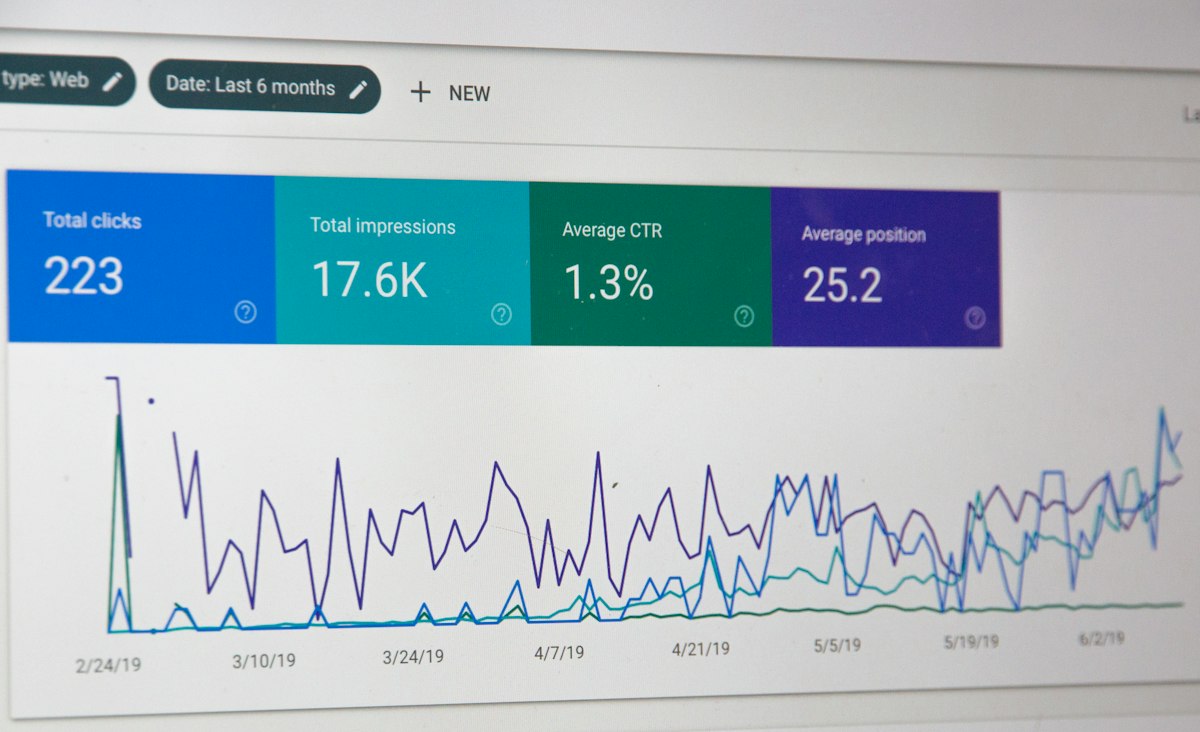
First impressions happen online now. Before a customer meets you, visits your store, or calls you, they see your website, your social media, or your Google listing. The way your business looks online directly affects whether people trust you, choose you, and recommend you to others.
Looking professional online does not mean spending thousands of rupees or hiring a branding agency. Small, simple changes can transform how customers perceive your business. You do not need technical skills or design experience to implement most of these improvements.
This guide covers ten practical ways to make your business look more professional online. Each one is affordable, actionable, and effective.
Table of Contents
- Get a Professional Logo
- Use a Business Email Address
- Build a Simple Website
- Display Clear Contact Details
- Showcase Customer Reviews
- Use High-Quality Business Photos
- Keep Your Branding Consistent
- Make Your Website Fast
- Ensure Your Website Is Mobile-Friendly
- Why First Impressions Matter
- Actionable Checklist
- Frequently Asked Questions
- Summary
1. Get a Professional Logo
Your logo is often the first visual element customers associate with your business. A professional logo does not need to be expensive. Simple, clean logos often look more professional than complicated ones.
If you do not have a logo, use a free online logo maker or hire a freelance designer for a small fee. Use your logo everywhere: on your website, social media profiles, email signature, and business cards.
Practical Example
A home baker in Delhi used a hand-drawn scribble as her logo on WhatsApp and Instagram. She spent Rs 500 on a simple, clean logo from a freelance designer. Within a month, she noticed more serious enquiries. Customers later told her the new logo made her business look established and trustworthy.
2. Use a Business Email Address
Nothing says unprofessional faster than a business owner using a personal Gmail or Yahoo address. A custom email address like hello@yourbusiness.com signals that you are serious and established.
With Host Better, you get a custom domain email address with every plan. It takes minutes to set up and instantly makes every interaction with customers more professional.
Practical Example
A freelance graphic designer used to send proposals from a Gmail address. After switching to a custom email with her own domain, her response rate from potential clients increased noticeably. The same portfolio, the same prices, but a more professional email address made all the difference.
3. Build a Simple Website
A website is the foundation of your online presence. It is where customers expect to find information about your services, your contact details, and proof that your business is real. A business without a website appears incomplete or untrustworthy to many customers.
Your website does not need to be complex. A single page with your business name, services, contact information, hours, and a few photos is enough to get started. Host Better makes it easy to launch a professional website in minutes.
Common Mistake
Some business owners think a Facebook page is enough. But a Facebook page does not show up in Google searches the way a website does, and it does not give customers the same sense of legitimacy. A website and a Facebook page together are far more effective than either one alone.
| Element | With Website | Without Website |
|---|---|---|
| Google visibility | Customers find you in search results | Much harder to discover |
| Professional credibility | Customers see you as established | Seems less serious |
| Control over content | Full ownership of your message | Limited by platform rules |
| Customer trust | Higher trust and confidence | Lower trust, fewer enquiries |
| Cost | Starting at \u20B9179/month | Free but limited |
4. Display Clear Contact Details
Customers should never have to hunt for your phone number, email address, or location. Make your contact information easy to find on your website and on your Google Business Profile.
Place your phone number in the header of your website so it appears on every page. Include a contact page with your email, address, and a simple contact form. On mobile devices, make sure phone numbers are clickable so customers can call with one tap.
5. Showcase Customer Reviews
Customer reviews are one of the most powerful trust-building tools available. Positive reviews from real customers prove that your business delivers what it promises.
Display reviews prominently on your website. Add a testimonials section to your homepage or create a dedicated testimonials page. Encourage every satisfied customer to leave a review on Google or other platforms your customers use.
Practical Example
A small car repair shop added a testimonials section to their website featuring five customer reviews with photos. Previously, customers often asked whether they were reliable. After adding reviews, the question stopped coming up, and appointment bookings increased.

6. Use High-Quality Business Photos
Blurry, dark, or pixelated photos make any business look unprofessional. You do not need an expensive camera. A modern smartphone takes good photos. The key is good lighting and clean composition.
Take photos of your workspace, your team, your products, and your finished work. Replace generic stock photos with real photos of your actual business. Customers respond much better to authentic images.
- Take photos in natural light whenever possible
- Clean your workspace before taking photos
- Take multiple shots and pick the best ones
- Use the same filter or editing style for consistency
- Update photos seasonally to keep your site fresh
7. Keep Your Branding Consistent
Consistency builds recognition and trust. Use the same logo, the same colours, and the same style across your website, social media, email, and any printed materials.
Choose two or three colours that represent your brand and use them consistently. Use the same profile picture on all social media platforms. Keep your font style the same across your website and marketing materials.
Practical Example
A yoga instructor used five different profile pictures across Instagram, Facebook, and WhatsApp. Her website used different colours from her social media. Students sometimes wondered if they were following the right person. After she standardised her branding with one logo, one colour palette, and one profile photo across all platforms, her online presence looked cohesive and professional.
8. Make Your Website Fast
A slow website makes your business look outdated and unreliable. Studies show that 40% of visitors leave a website that takes more than three seconds to load. Speed directly affects trust.
Host Better includes fast servers and optimised delivery to ensure your website loads quickly. Additional steps you can take include compressing images before uploading them, keeping your website simple, and avoiding too many large files.
9. Ensure Your Website Is Mobile-Friendly
Most customers will view your website on a phone. If your site is difficult to read or navigate on a small screen, they will leave and try a competitor. A mobile-friendly website adjusts automatically to fit any screen size.
Test your website on your own phone. Can you read the text without zooming? Can you tap the phone number to call? Is the menu easy to navigate? If the answer to any of these is no, your website needs to be updated.
10. Why First Impressions Matter
Customers form an opinion about your business within seconds of visiting your website or seeing your online profile. That first impression determines whether they stay and explore or leave and choose a competitor.
Every element we have covered in this guide contributes to that first impression. A professional logo, a business email, a clean website, clear contact details, genuine reviews, quality photos, consistent branding, fast loading, and mobile-friendly design all work together to tell customers that your business is trustworthy, established, and worth choosing.
Actionable Checklist
- Create or update your business logo
- Set up a custom domain email address
- Build a website with Host Better
- Add your phone number to your website header
- Create a contact page with all details
- Collect at least five customer reviews
- Display reviews on your website
- Replace blurry photos with clear, well-lit ones
- Standardise your colours and logo across all platforms
- Test your website speed and improve it if needed
- Check your website on a mobile phone and fix any issues
Frequently Asked Questions
How much does it cost to make my business look professional online?
Very little. Host Better plans start at \u20B9179 per month. A logo can cost as little as Rs 500 from a freelance designer. A custom domain email is included with your hosting. Most improvements cost nothing except your time.
Can I make my business look professional without technical skills?
Yes. Host Better is designed for beginners. You can upload your website files, connect a domain, and set up email without any technical knowledge. The dashboard is simple and intuitive.
Is a Facebook page enough to look professional?
A Facebook page helps, but it is not enough. Customers expect a website. A business with both a Facebook page and a professional website appears far more credible than one with only social media.
How often should I update my website?
Review your website once a month. Update photos, check that contact details are still correct, and add new reviews or testimonials. Regular updates keep your site fresh and trustworthy.
Do I need a professional designer for my website?
No. A simple, clean layout with your own photos and clear text is often more effective than a flashy design. Focus on clarity and usefulness rather than visual complexity.
Summary
Making your business look professional online does not require a big budget or technical expertise. A professional logo, a business email, a simple website, clear contact details, customer reviews, quality photos, consistent branding, fast loading, and mobile-friendly design are all achievable for any business owner.
Start with one improvement this week. Add your phone number to your website header. Replace your Gmail address with a custom email. Sign up for Host Better and launch a simple website. Each change builds on the others and transforms how customers perceive your business.
People Also Ask
How do I make my business look professional online?
Get a professional website, use a custom domain email, claim your Google listing, collect customer reviews, use quality photos, and keep consistent branding across all platforms. Host Better helps with fast hosting and custom email starting at ₹179 per month.
What is the cheapest way to look professional online?
A custom domain email (you@yourbusiness.com) costs very little and immediately makes you look established. Add a simple website with Host Better at ₹179 per month. Quality photos and clear consistent information cost nothing.
Does social media make my business look professional?
Social media helps but is not enough. A professional website with your own domain is the foundation. Social media profiles without a website can look incomplete. Use both together for the best impression.
How important is website speed for professional image?
Very important. Slow websites look unprofessional. 53% of mobile users leave slow sites. Fast loading signals competence and reliability. Host Better provides fast hosting that keeps your site looking professional.
Featured Snippet: Professional Online Presence
Make your business look professional online with a custom domain website, professional email at your domain, claimed Google listing, customer reviews, quality photos, and consistent branding. Start with one improvement per week. Host Better provides fast hosting and custom email starting at ₹179 per month for a complete professional online presence.
Ready to launch your website?
Deploy your website in minutes with Host Better. Free SSL, custom domains, and instant deployment included.
Start Hosting Now

